
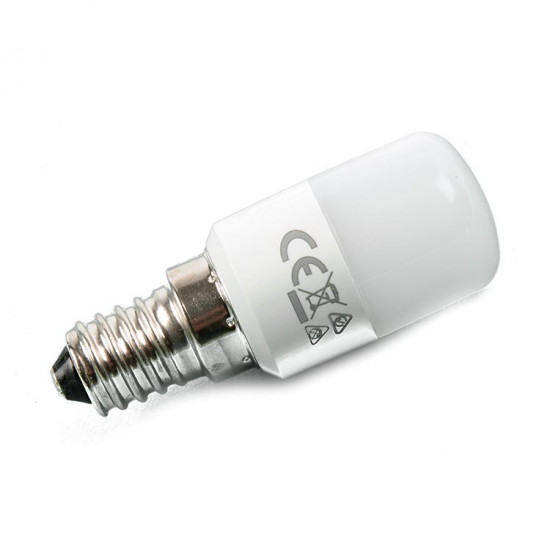


Arçelik Altus Beko Refrigerator Original E-14 LED Lamp (Bulb) – 0.9 W, 220 V, 6500 K, 5760500500
- Stock: In Stock
- Brand: OEM
- Model: 5760500500
$1.52 (VAT incl.)
Ex Tax: $1.27

Your shopping cart is empty!
This is the E14-base LED lamp used for interior lighting in Arçelik, Altus and Beko refrigerators. The values 220 V · 80 lm · 6500 K · 0.9 W · 50/60 Hz and the part code 5760500500 are printed on its body. The 6500 K color temperature lights the inside of the cabinet in a white (daylight) tone.
Unlike incandescent (classic) bulbs, it hardly heats up at all; this matters because it does not upset the temperature balance inside the cabinet and because a part that switches on and off every time the door opens needs a long service life.
Even if refrigerator lamps have the same base type, they differ in voltage and power. Compare the values on the old lamp in your refrigerator:
Loading...
Unlimited Blocks, Tabs or Accordions with any HTML content can be assigned to any individual product or to certain groups of products, like entire categories, brands, products with specific options, attributes, price range, etc. You can indicate any criteria via the advanced product assignment mechanism and only those products matching your criteria will display the modules.
Also, any module can be selectively activated per device (desktop/tablet/phone), customer login status and other criteria. Imagine the possibilities.